🛠️ Engine and app settings
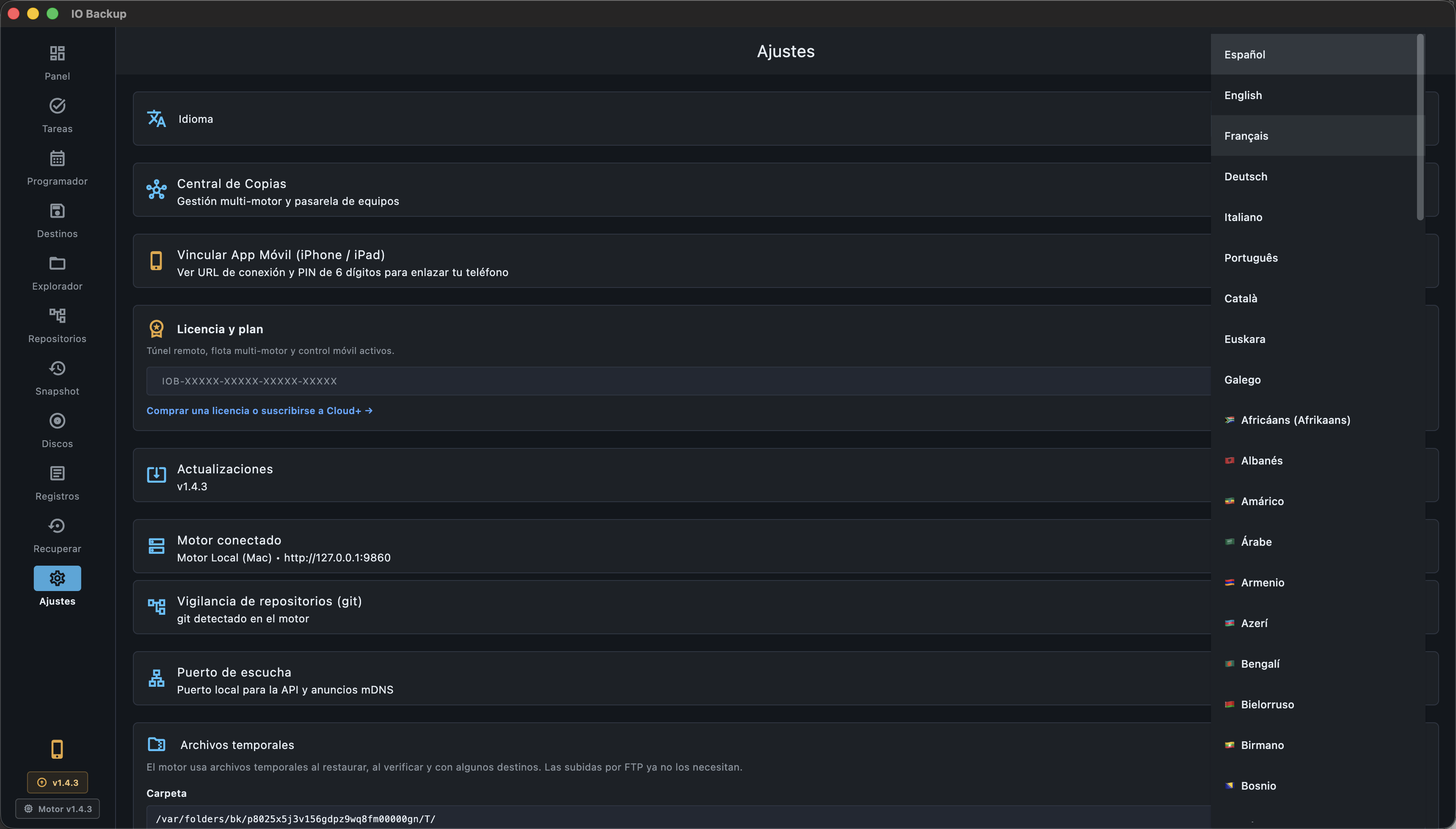
Engine port
- From the app's Settings (
EngineManager.setEnginePort):
- Checks that the new port is free.
- Updates
bindin the engine configuration. - Restarts the service.
- The new port is announced via mDNS and the app reconnects by itself.
- Default:
9860, localhost only (the API is never exposed to the network — remote management goes through the tunnel).
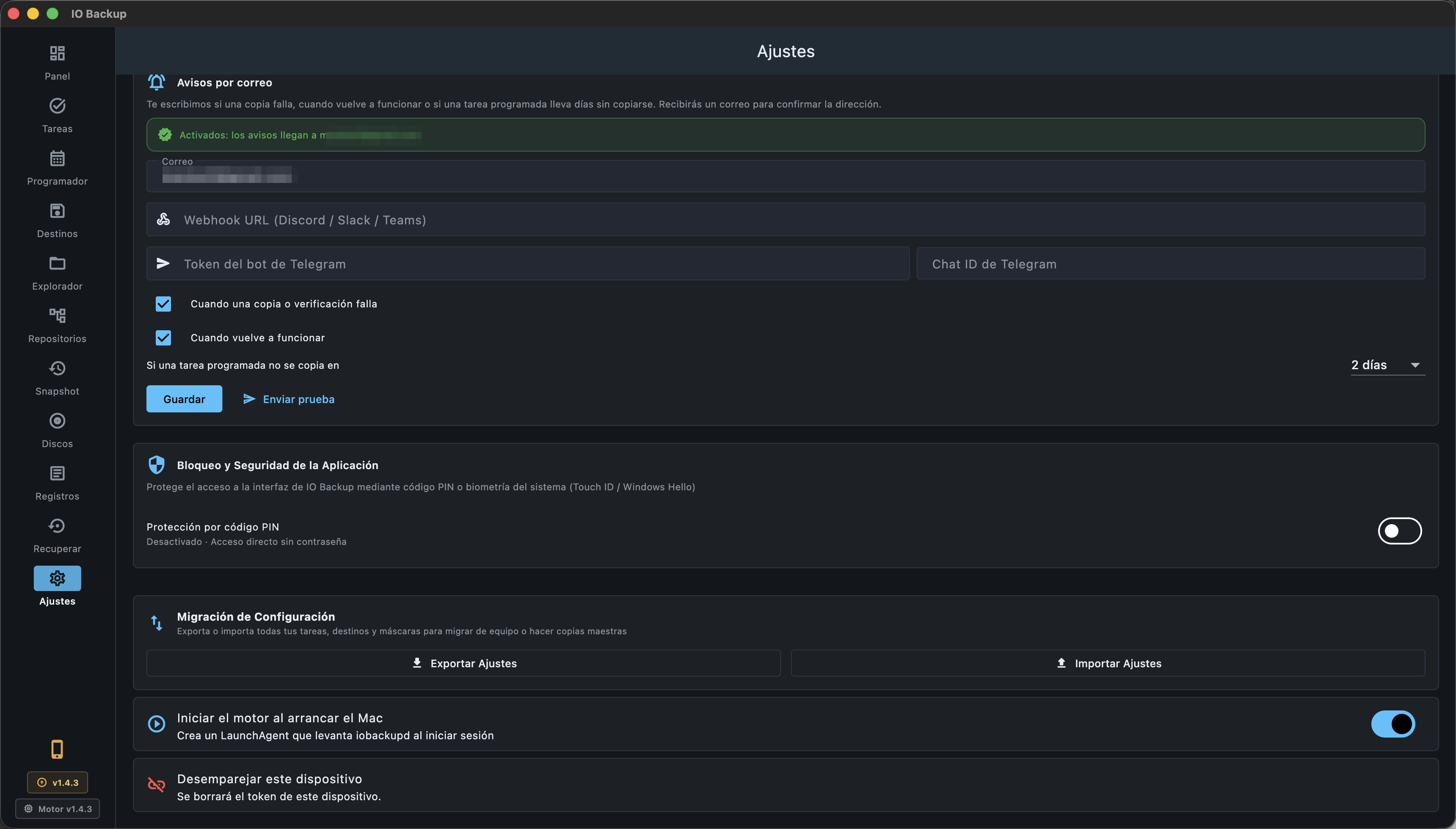
Global upload limit
global_up_mbps in Settings: upload ceiling for all tasks on the machine — see bandwidth.
Daemon configuration (iobackupd)
TOML config (--config, ./iobackup.toml or ~/.iobackup/config.toml):
data_dir = "~/.iobackup/data"     # index, keys, state
bind     = "127.0.0.1:9860"
devlog   = true                   # remote diagnostics (opt-out with false)
background = true                 # on Windows: low CPU priority
Never pointdata_dirat/tmpor paths the OS cleans — that's where the index of all your backups lives.
Where everything lives
| Piece | Windows | macOS |
|---|---|---|
| Engine data | C:\ProgramData\iobackup | ~/.iobackup/data |
| Engine binary | installed service | ~/.iobackup/bin |
| Config | ProgramData | ~/.iobackup/config.toml |
| Tray icon | iobackup-tray.exe | IO Backup Menu.app |
| Tray token | tray.json | menubar.json |
The app window
It starts as a small window with the splash and expands centered; closing the window hides to the tray/menubar — the engine keeps running.
Windows service performance
- Runs at below-normal priority so it doesn't steal CPU from the server (
background = falsedisables this). - Heavy work runs in a separate runtime: even while copying GBs, the API and panels respond instantly.