🚦 Limiting upload bandwidth
IO Backup can throttle uploads so it doesn't saturate the line — per task, per time window, or globally for the whole machine.
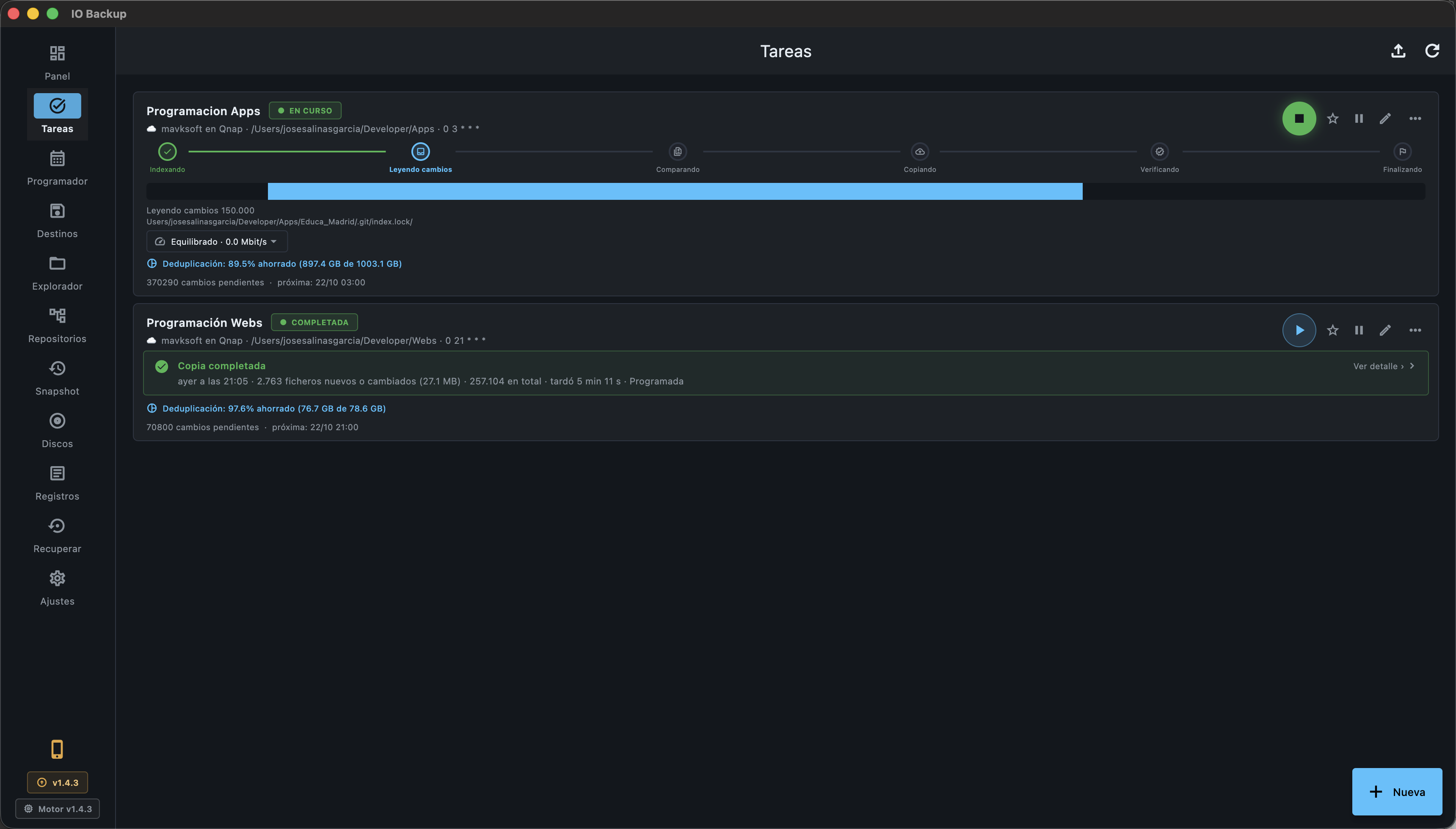
Per task (options.bandwidth)
In the task dialog → Bandwidth:
| Mode | Behavior |
|---|---|
| max | No throttle (default) |
| balanced | Gentle percentage of the measured speed — browsing stays smooth |
| discreet | Well below the measured speed — nearly invisible |
| pct / fixed mbps | A fixed % or Mbps you set |
| ask | Asks what to do when the line is busy |
| schedule | Different policy per time window (engine's local time): e.g. unlimited at night, discreet during office hours |
The throttle applies live: if you change the mode while a backup is running, the current transfer adjusts without restarting (/jobs/{id}/bandwidth).
Real speed test
Before setting percentages it's worth measuring the line against the real destination, not a generic speedtest:
- Test button in the task (
/jobs/{id}/speedtest): uploads and downloads test data to the destination and saves the result. - It's remembered per destination and per network (identified by your public IP via
api/myip.php) — if you take the laptop to another network, it uses that network's measurement.
Machine-wide limit
In Settings → global_up_mbps: an absolute ceiling for all tasks on the machine, at all times. Useful on shared servers or asymmetric lines.
?upmbps=N in the destination URI
Sets the limit for the entire destination (all sessions in the pool share it). It overrides the task's policy — it's the strongest switch.
Priority
From most specific to most general: ?upmbps (URI) → task policy (with its current window) → machine-wide limit.
The throttle is upload-only. Restores aren't limited — when you're recovering, you want the data now.