🔗 Pairing the app with the engine
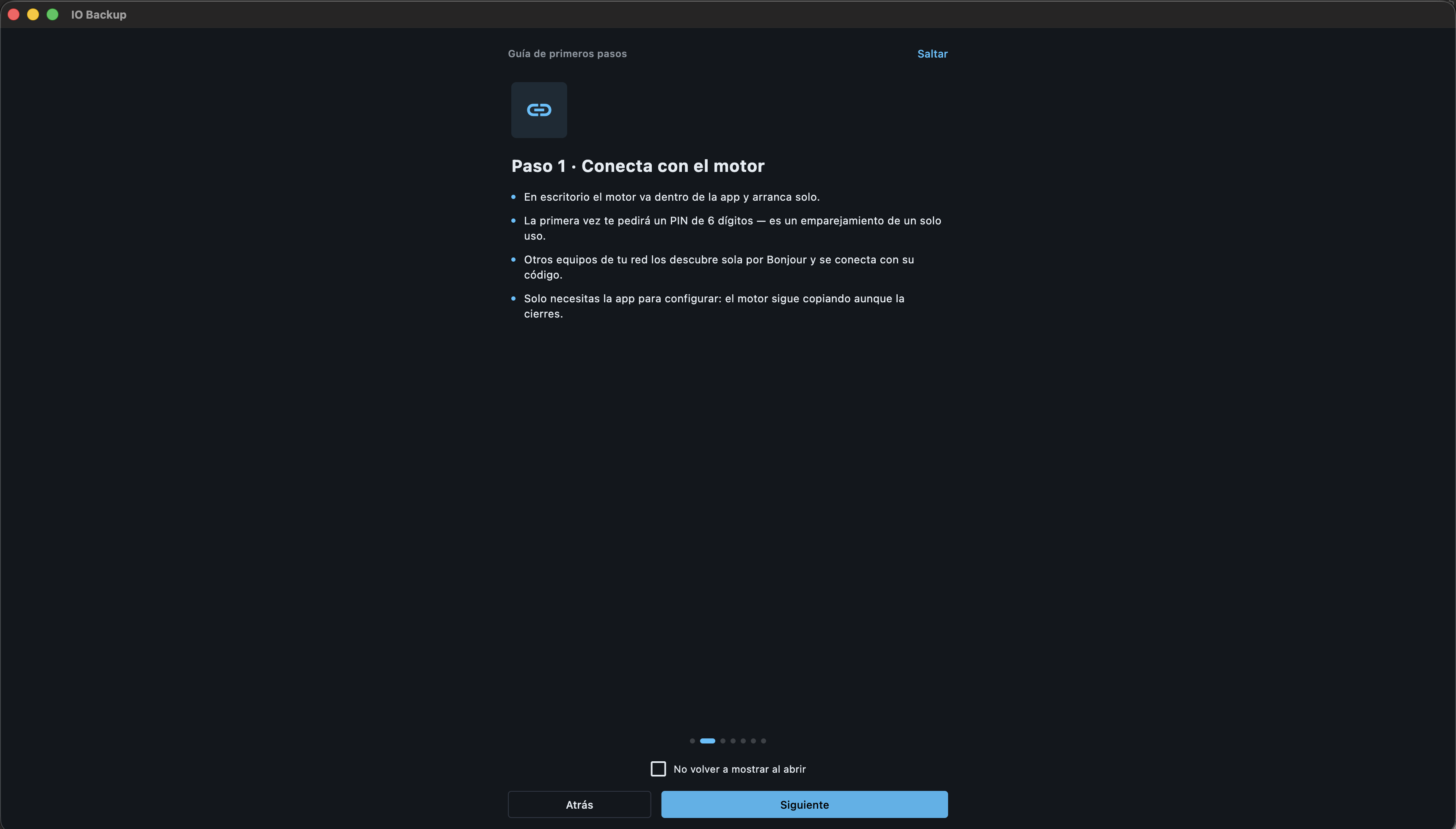
The app doesn't just connect to an engine: it has to be paired. Pairing hands the app an encrypted administrator token, so only someone in front of the engine can authorize clients.
How the PIN works
- The engine generates a single-use PIN valid for 10 minutes when it has no registered clients, or when you request one from the tray icon / another already paired client.
- You enter it in the app → the app receives its token → the PIN dies.
Pairing the local engine
- Windows: the app finds the service by itself. Since
ProgramData\iobackupis protected, the first pairing asks for UAC elevation to read the service state. - macOS: the engine lives under your user — the app finds it directly.
Pairing an engine on the local network
The engine announces itself via Bonjour/mDNS (_iobackup._tcp) with the configured port. In the app:
- Open the engine selector (Backup Central or the top bar dropdown).
- It will appear under Found engines — select it.
- Enter the PIN shown on that machine.
If the port isn't the standard one (9860), add it manually asIP:port.
Multiple engines and multiple apps
- One app can have N paired engines (fleet profiles) and switch between them in 1 tap.
- An engine accepts several clients: each app/device gets its own token; you can revoke them from the engine.
- The tray/menubar icon is just another client, with its own limited token ("Engine icon").
If the PIN expires or fails
- Expired (10 min): generate a new one from the engine's icon or from an already paired client.
- "Engine not found": check that the
iobackupdservice is running, the port and the local firewall. - A remote engine isn't paired by IP: use the encrypted tunnel with its
IOB-…code.
Security
- All API traffic uses the app's token; tokens live in the engine's index and in each app's keychain/prefs.
- Over a remote connection you can never request a PIN or rotate the remote code — only from an already authorized local client.