✅ Verifying a backup
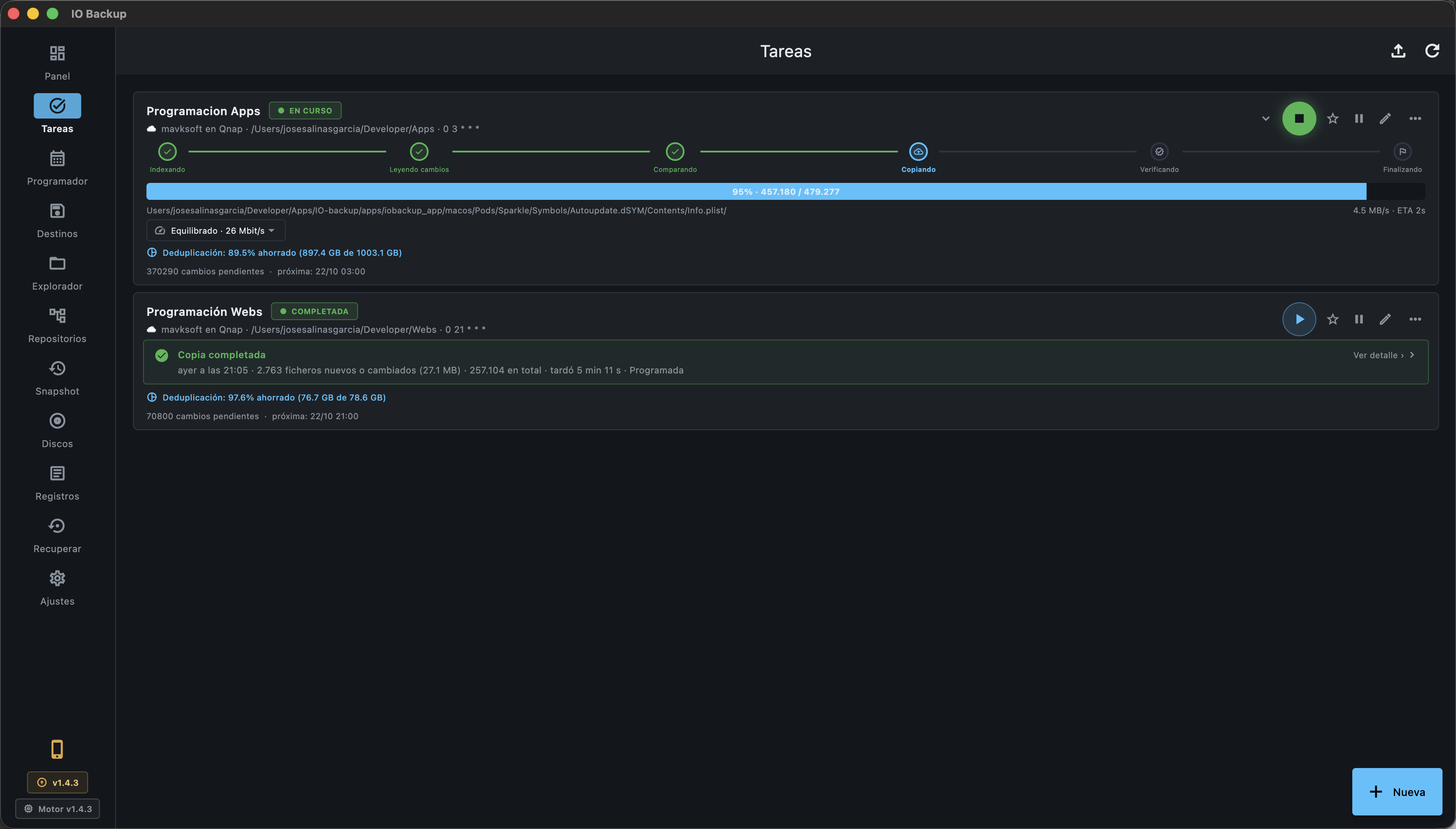
Copying isn't enough: you need to know that what was copied can be read back. Verification re-downloads the destination data and compares hashes against the index.
What it does
- Walks the task's versions and checks that every stored file/block reads and matches its recorded hash.
- For block-based files it verifies each block; for encrypted ones it verifies after decrypting.
- Reports discrepancies with the affected path — a corrupt file on the destination gets detected here, not when you need it.
How to launch it
- Verify button on the task (detail panel).
- It runs in the engine's heavy runtime with real phases and progress, like a backup — you can keep using everything meanwhile.
When to verify
- After the first backup of a new task.
- After changing destination, server or credentials.
- Periodically on critical data (monthly, for example) — destinations also decay over time.
- Always before trusting an important restore: better to discover a problem while verifying than while restoring.
If it fails
- Network/server errors → check the destination and retry.
- Mismatched hashes → the file is bad on the destination: run a new backup (the index will detect it's missing and re-upload it) and check the server's health.
- On disks/destinations with reused old state an inconsistent-state warning may appear: let the engine regenerate the index on the next pass.