🗄️ Destinations: local, network, FTP/FTPS and SFTP
A destination is a reusable connection: you define it once and several tasks can use it. It's registered in Destinations → New and always tested before saving (the engine actually connects).
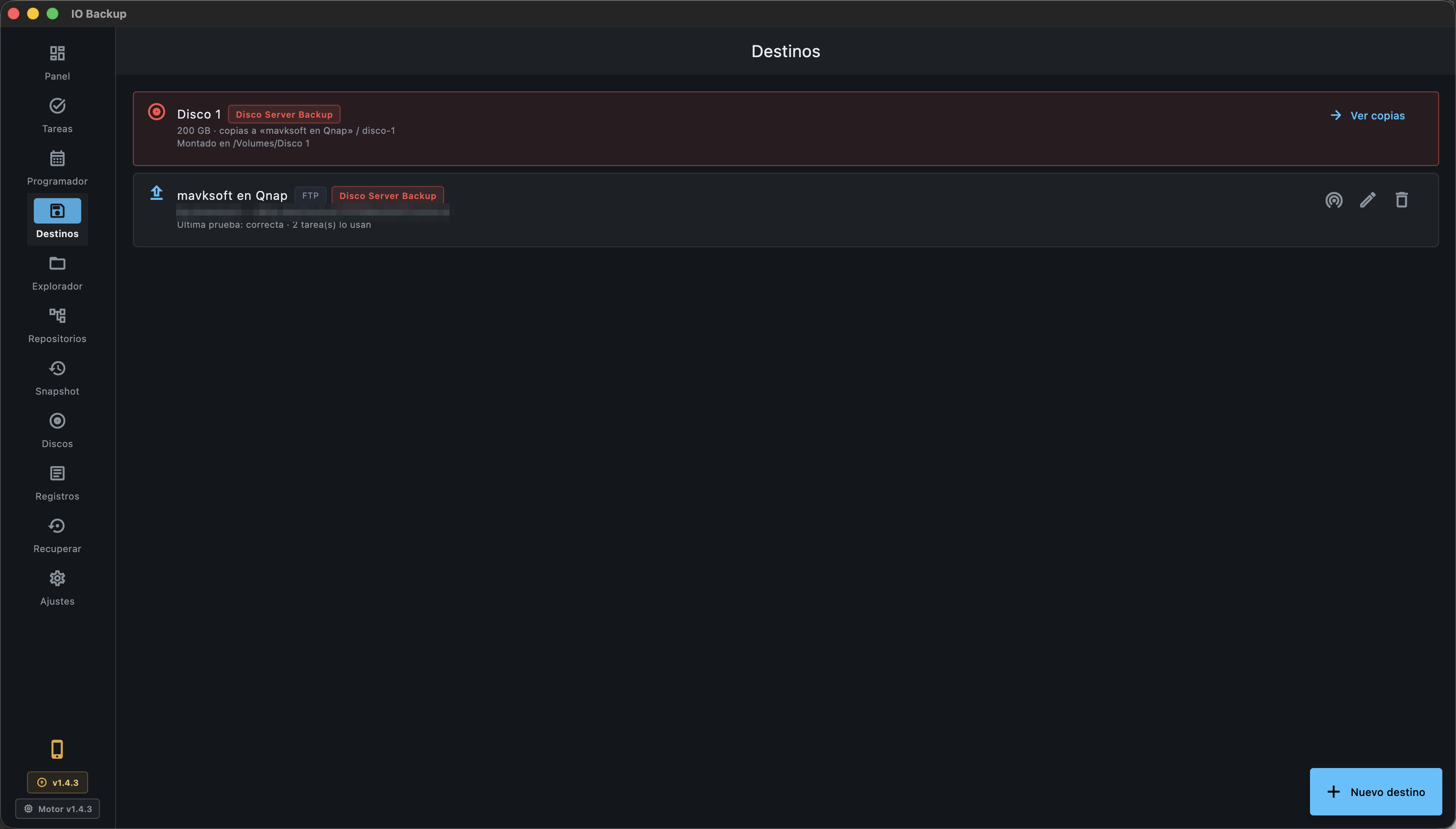
Local or network folder
- Local/external disk: any path on the machine. It's the fastest destination and the only one with hard links (nearly free snapshots in terms of space).
- Network (SMB):
\\server\share\folder. On Windows the service runs as LocalSystem — use a share accessible to the machine account or drives with persistent system credentials.
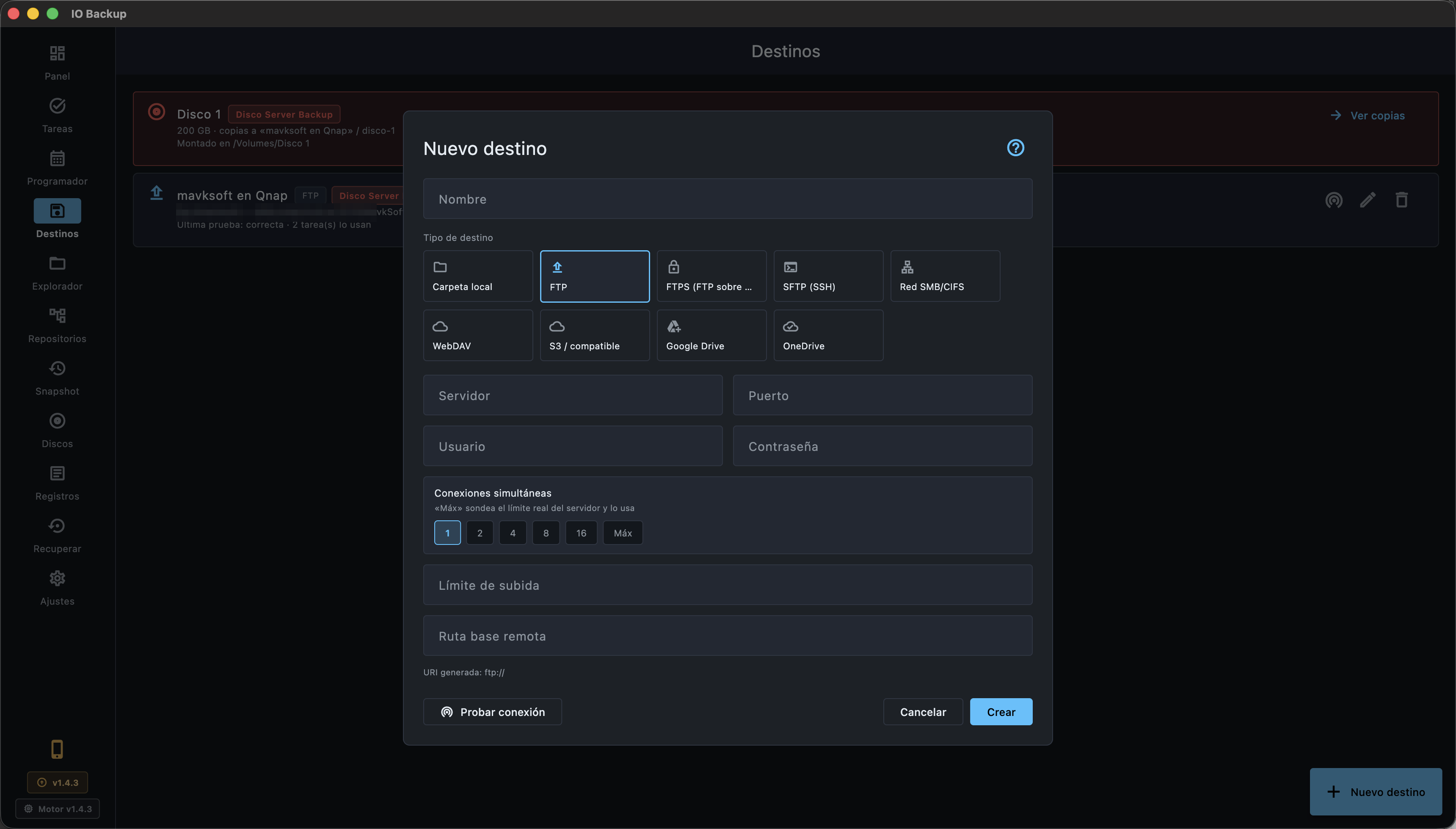
FTP / FTPS
- Server + user + password + folder.
- FTPS (explicit TLS) recommended if the server supports it: encrypts credentials and data.
- FTP has no hard links → each snapshot stores only what changed relative to the previous ones (see retention so pruning doesn't break the chain).
- Direct upload from the source (or its VSS snapshot): no local temp files, with resume if it gets cut.
?upmbps=Nin the URI caps total upload for that destination (bandwidth).
SFTP
The most secure option for the Internet:
- Authentication by password or private key.
?key=<path>uses a key the engine itself generates or imports into<data>/ssh/(POST /destinations/ssh-keyfrom the app). That way the key never leaves the engine.?hostkey=SHA256:…pins the server fingerprint: it's learned when testing the destination and, if it ever changes, the connection fails instead of accepting a fake server.- Large-file blocks and bandwidth limits work the same as on FTP.
Best practices
- One destination ≠ one task: the same FTP server can host the "Documents" task at
/backup/docsand "Photos" at/backup/photos. - Test the destination after any network, credential or server-migration change — the fingerprint/hostkey is re-pinned on test.
- If you change the folder of a destination that has backups, the data doesn't move by itself: use relocating backups.
- Copying to the system disk itself isn't a real backup: use another disk, NAS or server.
Status and errors
- If the destination doesn't respond during a pass, the task flags destination unreachable and retries on the next one — it doesn't rewrite the index or lose history.
- A source read error never counts as a destination failure: the file is skipped and retried (VSS).