🚀 What IO Backup is and how it works
IO Backup is the evolution of Cobian Backup for Windows, Windows Server and macOS. It's made of two pieces that work together:
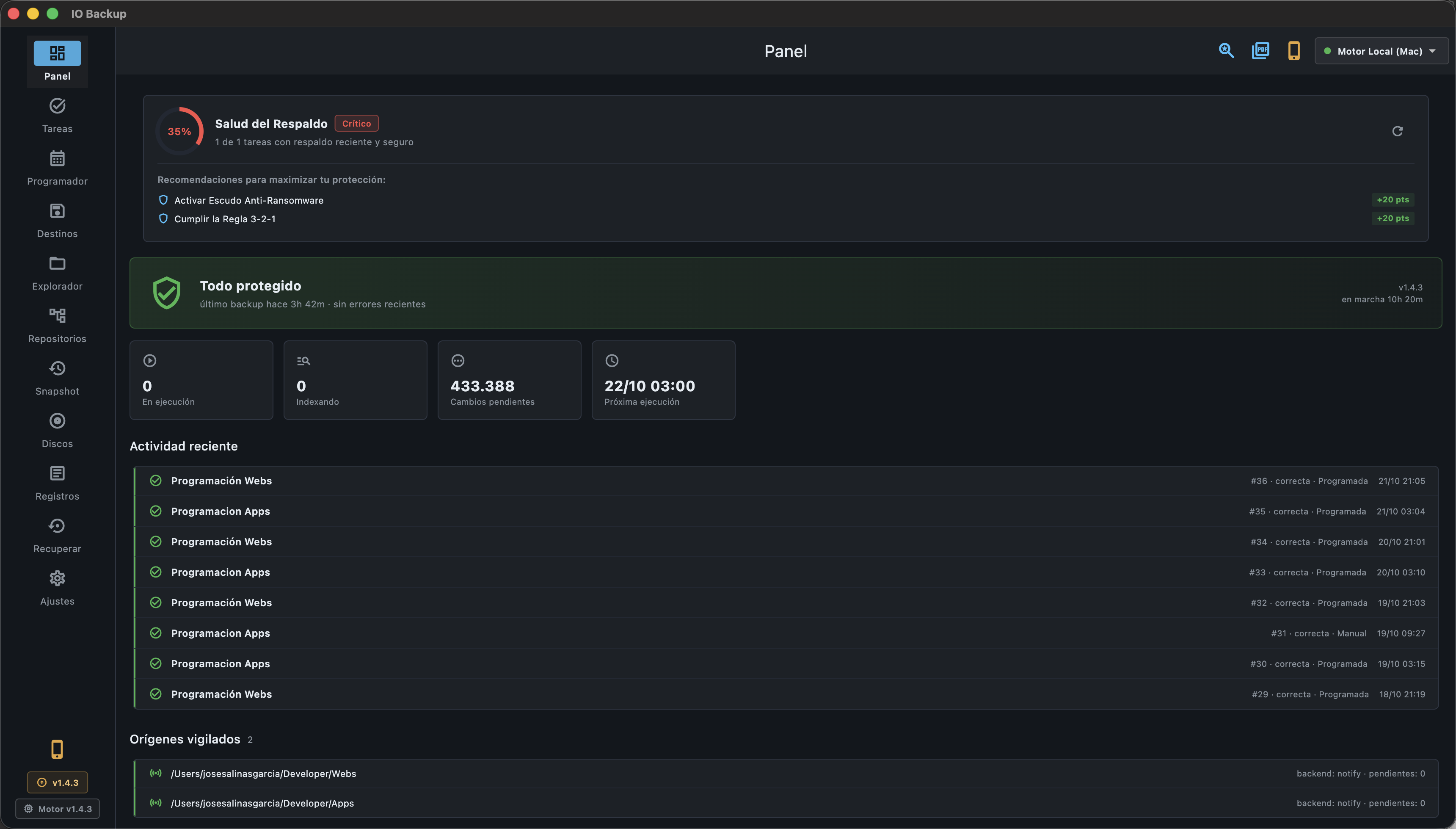
The engine (iobackupd)
A service/daemon running in the background on each machine:
- Windows:
iobackupdservice (LocalSystem), at below-normal priority so it doesn't steal resources from the server. - macOS: engine in
~/.iobackup, managed by launchd. - It exposes a local REST + WebSocket API (default
127.0.0.1:9860) that the apps connect to.
The engine is what actually copies, verifies, schedules and restores. If you close the app, the engine keeps working.
The app
The desktop interface (Windows/macOS) where you configure everything. A single app can control several engines: the one on this machine, ones on your local network, and remote engines over the encrypted tunnel (see remote access).
Why it's fast
| Classic problem | IO Backup's solution |
|---|---|
| Scanning thousands of files on every backup | File-system watchers: the engine knows what changed without rescanning |
| Slow, fragile incrementals | SQLite index with content hashing: it only uploads what actually changed |
| Snapshots that duplicate space | Hard links on local destinations: each snapshot looks complete but only takes what's new |
| Destinations without hard links (FTP) | Each snapshot stores its own data and retention prunes only orphaned versions |
| Backups that choke the machine | Separate runtime for heavy work: the API always responds |
| Open/locked files | VSS snapshots on Windows |
| Huge files over FTP | 4 MiB blocks with resume |
What you can back up
From any folder on the machine (or several) to:
- Local or external disk
- Network folder (SMB)
- FTP / FTPS
- SFTP (with password or private key)
And all of it with: mask filters, version retention, scheduling (cron, intervals or on-change), encryption, bandwidth limits, email alerts and selective per-version restore.