📱 The mobile app (iOS and Android)
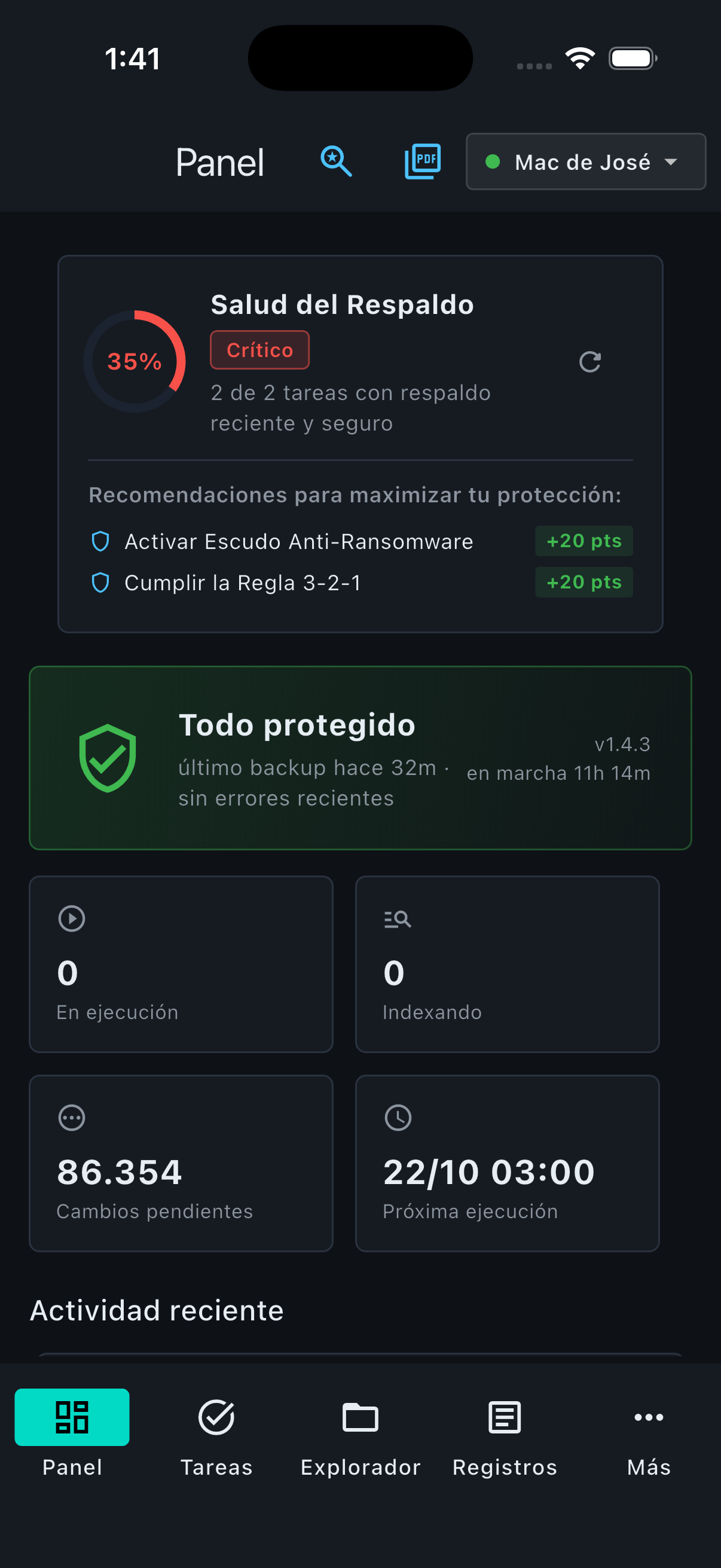
The mobile app is a remote control for your engines: it has no engine of its own and doesn't back up the phone. Use it to check status, launch tasks, browse backups and manage the fleet.
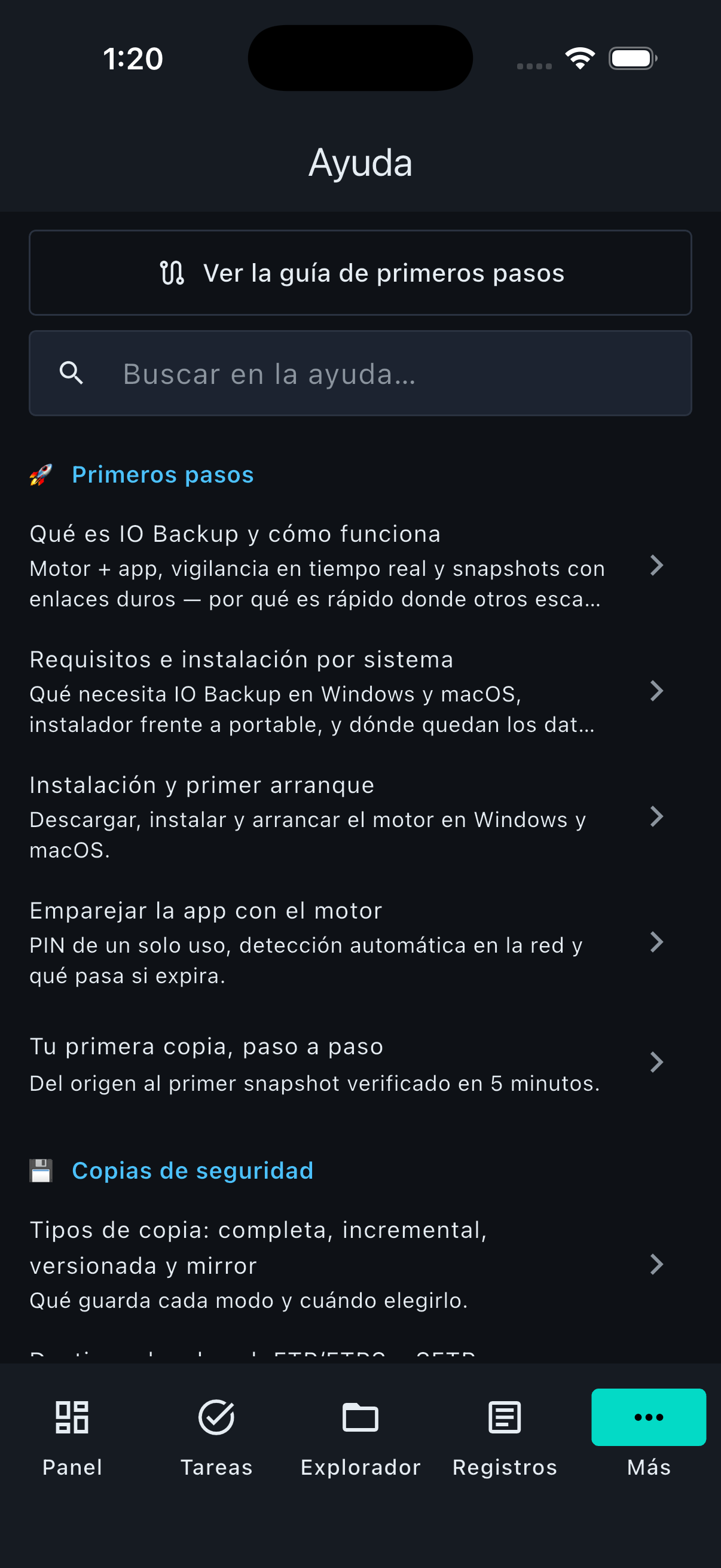
Pairing your phone
- On the same network: the app discovers engines via Bonjour/mDNS and pairs them with the PIN, just like on desktop.
- From outside (Cloud+): in the desktop app, Backup Central → Link mobile app and scan the QR with your phone. You can also enter the
IOB-XXXX-…code by hand. - The remote connection is an end-to-end encrypted tunnel: the server only transports data it can't read.
What you can do from the phone
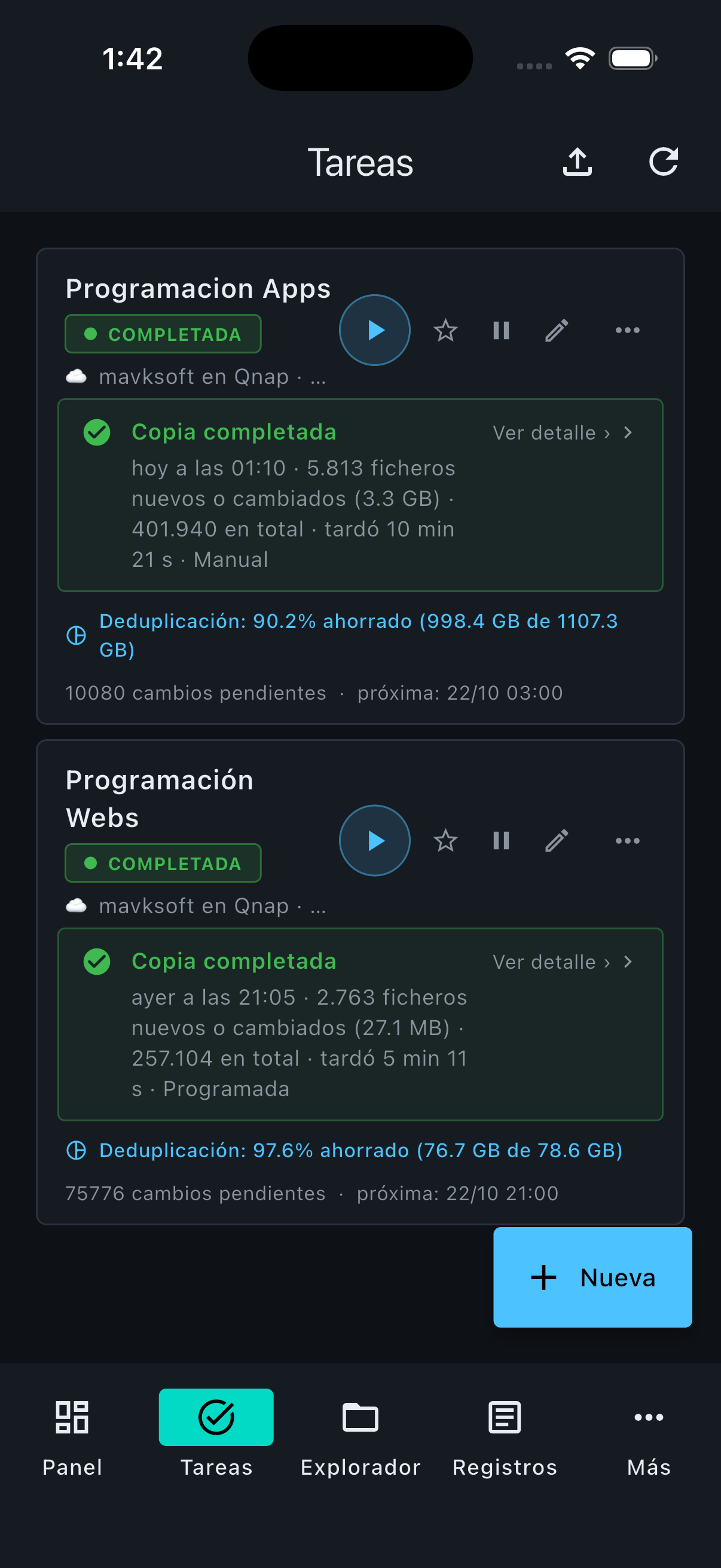
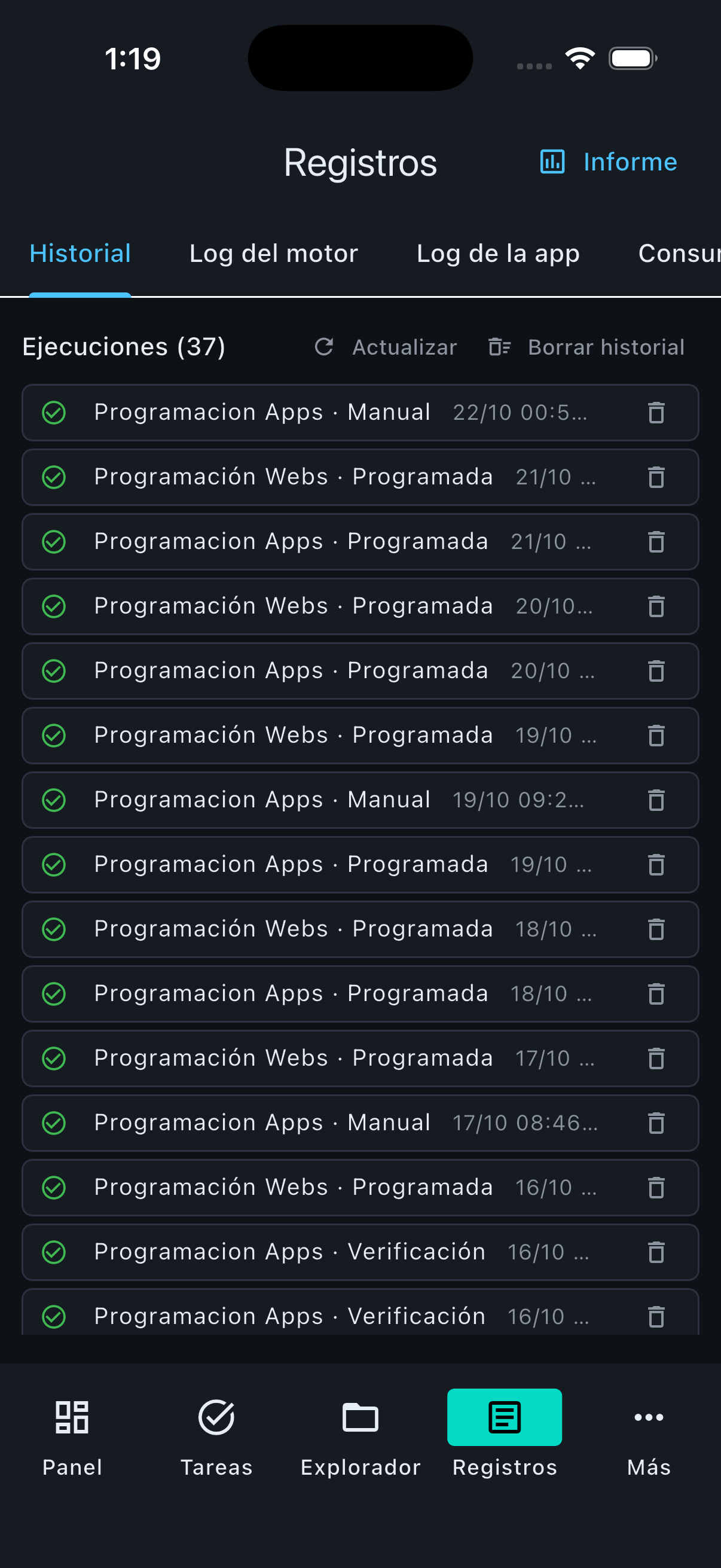
- View the dashboard, start and stop backups, check logs and live progress.
- Create and edit tasks, destinations and schedules.
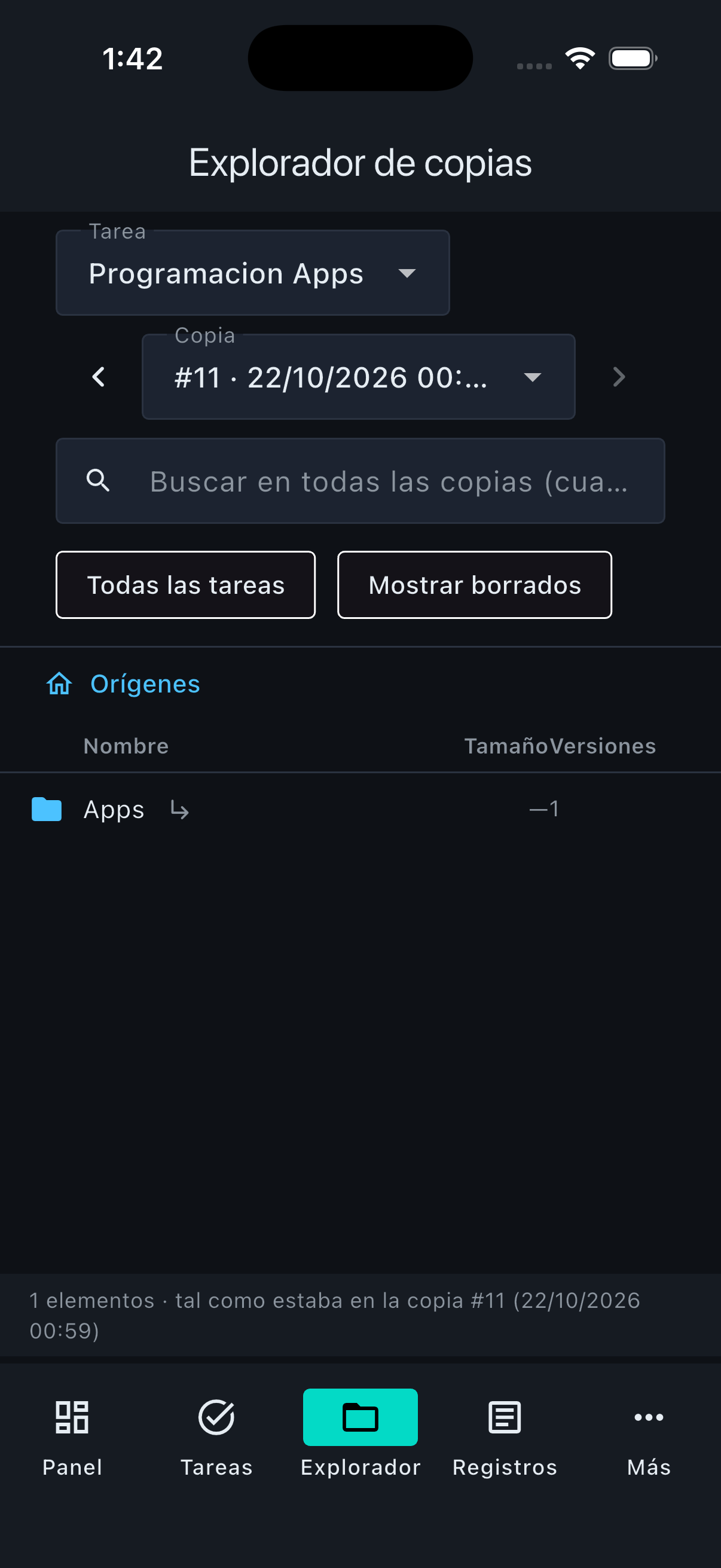
- Browse backup contents, view versions and restore files.
- Add several engines to the fleet and switch between them from Central.
- Check your plan and activate a license in Settings → "License & plan".
Mobile navigation
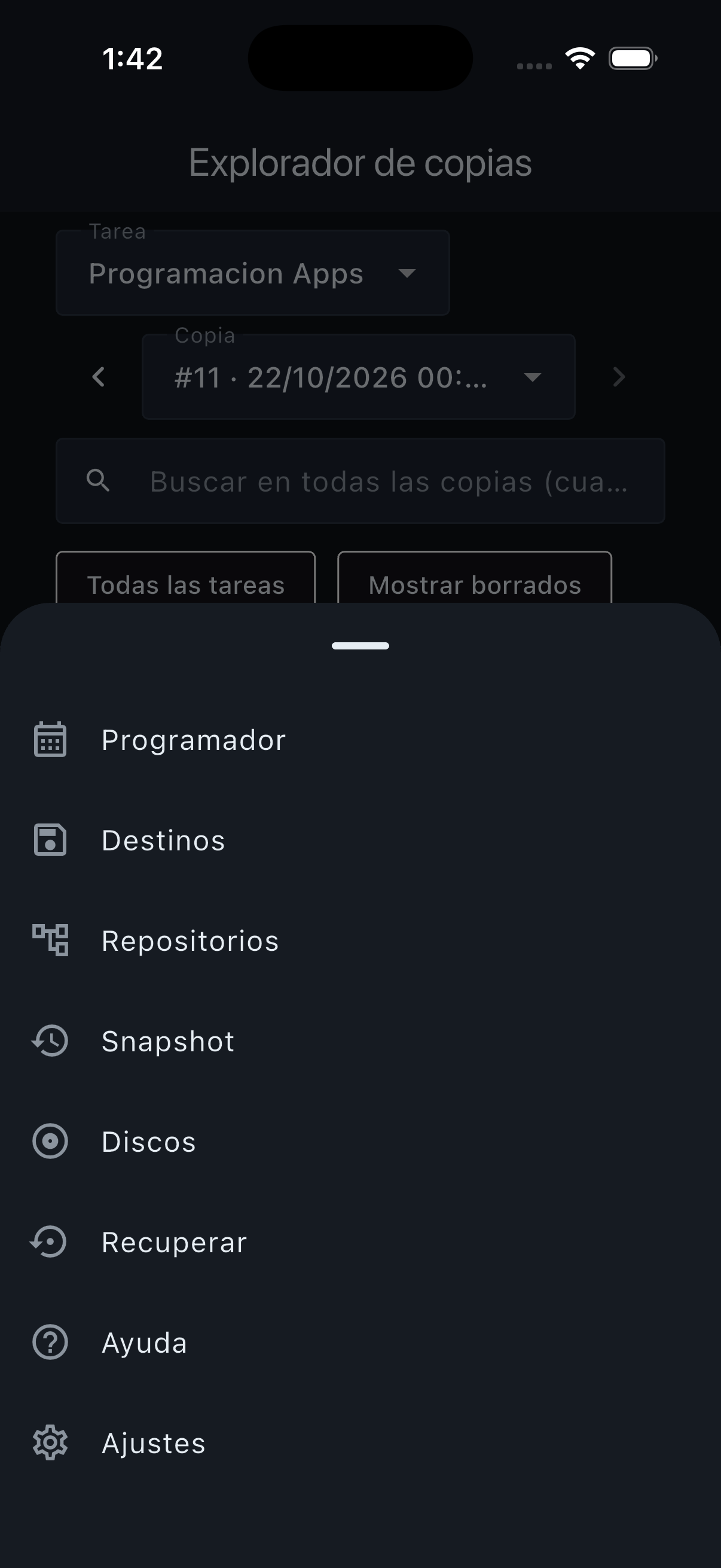
- Bottom bar with the main sections and a "More" sheet for the rest.
- The top bar selector shows the name of the remote engine you're connected to.
- Camera and local-network permissions are only requested when needed (QR, Bonjour discovery).
What you can't do remotely or from mobile: change a task's pre/post commands or pair new clients (those actions require being in front of the engine) — details in access security.
If it won't connect
- On the same network: check that the phone and the machine are on the same Wi-Fi and that the engine is running; the PIN expires after ~10 minutes, request a new one.
- Over the Internet: you need an active Cloud+ plan; if your plan doesn't cover it, the app offers to show you the plans. The
IOB-XXXXcode expires after 24 h — generate a new one from the desktop. - More causes in tunnel errors.