💽 IO Backup disks (iSCSI and sparsebundle)
IO Backup disks are virtual disks whose data lives on your destination in 4 MiB chunks with their own versions. They let third-party tools (like Windows Server Backup) write "to a disk" whose real content goes to the destination.
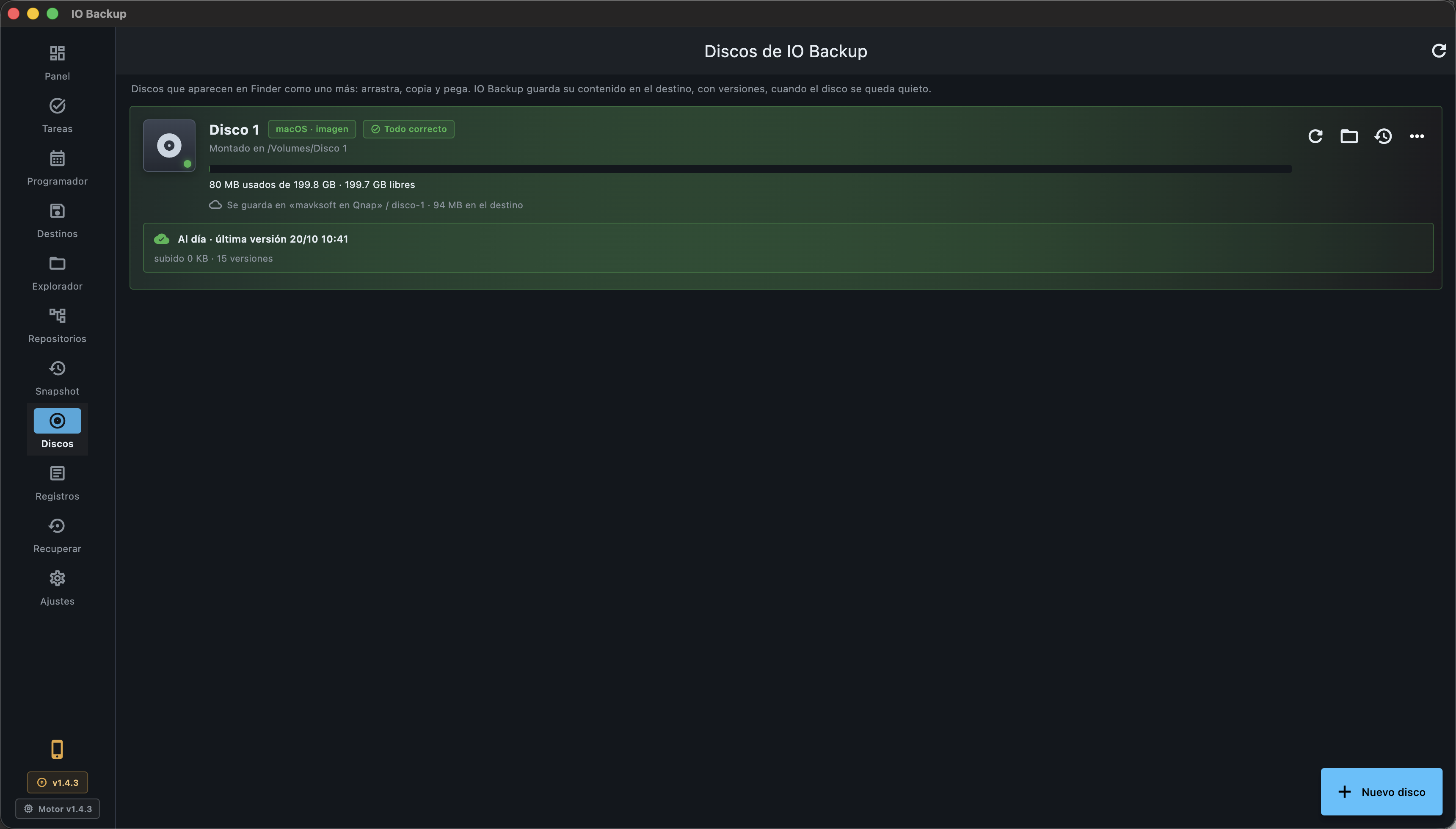
Windows — iSCSI disk
- The engine runs its own iSCSI server and presents each disk at
127.0.0.1:3261+N−1. - Persistent initiator connection and automatic online (
connect_disk). - Storage: hash-addressed 4 MiB chunks to the destination — only the chunks that change travel.
- Built-in wizard: on Windows Server it installs/prepares Windows Server Backup pointing at this disk (identified by serial number, other disks untouched); on Windows 10/11 it formats it NTFS and schedules
wbadminas a task.
macOS — sparsebundle
disco.sparsebundleimage with 4 MiB bands, mounted in Finder like a regular disk.- Modified bands are uploaded to the destination with the same chunk and version format as iSCSI.
Versions
After 10 minutes with no changes, versiones/AAAAMMDD-HHMMSS.map is written to the destination — each map is a restore point for the disk.
Management
- Several disks at once, each with a name, fixed folder on the destination, size and type. Migration from the old single disk is automatic.
- API:
/disks(create, rename, delete with?purge— also deletes the tree on the destination —, connect, list versions). - Works over the remote tunnel: manage a server's disks from your laptop just like locally.
State cache (mapa.bin)
The disk keeps local state to know which chunks it uploaded. If you reuse a new disk with old state, CRC errors can appear — the engine detects the inconsistent state, purges it and regenerates it on the next sync.