💽 Destination space and cleanup
How much it really takes
- Destination with hard links (local/network disk): unchanged files are linked to the previous snapshot — each backup only takes what actually changed, even though it looks complete.
- Destination without links (FTP/SFTP): each snapshot stores only the changes; shared versions live in the snapshot where they were first seen.
- Blocks: large files are chunked by hash — if two files share chunks, they're only uploaded once.
What retention deletes
Retention prunes versions, not files: a version is removed when no living snapshot references it. It never deletes a whole snapshot tree, because that's where the base copy may live.
mirrorkeeps only the latest copy.versioned/incrementaluse your rule (last N, by days, etc.). See Version retention.
Seeing real usage
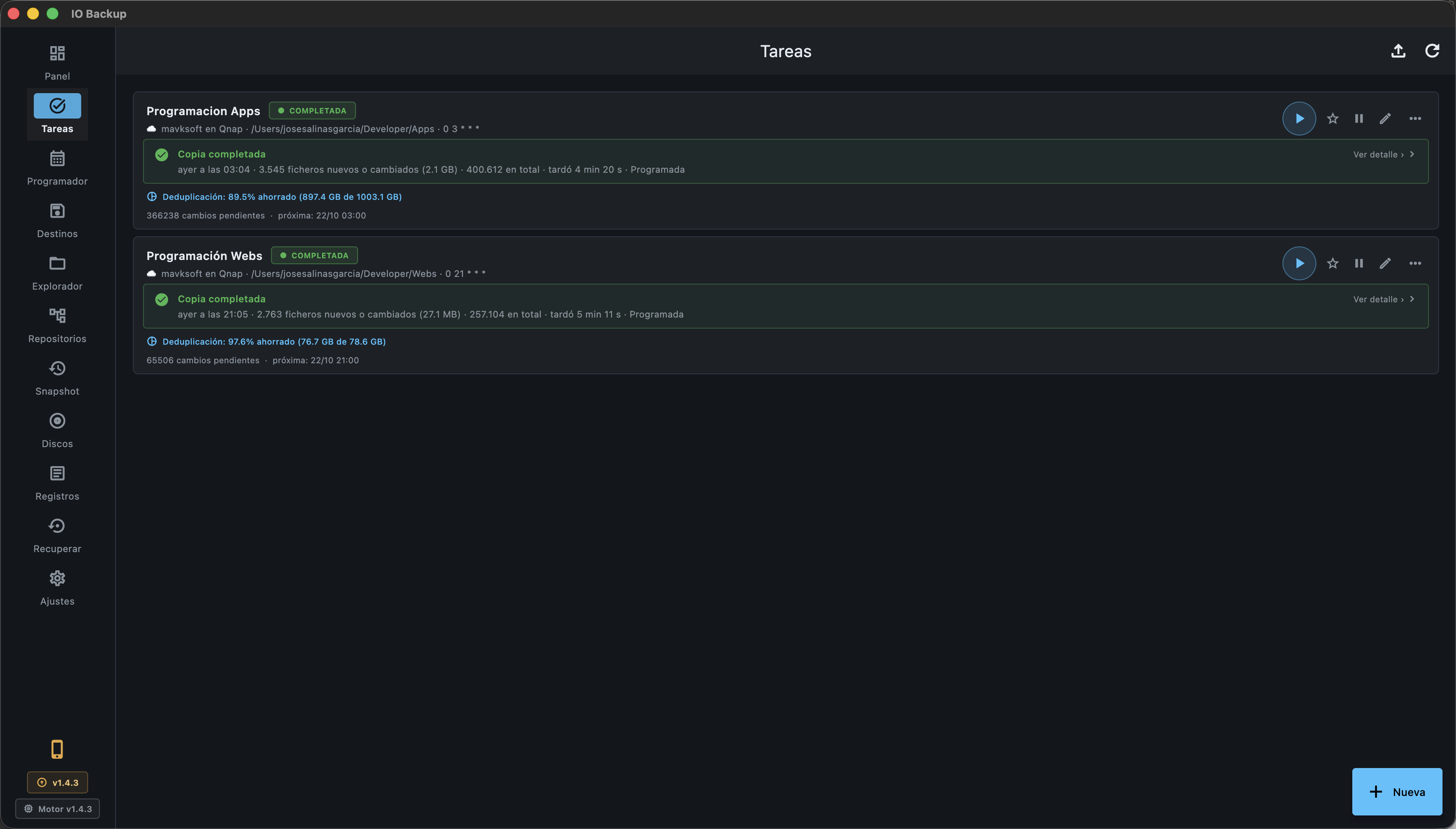
- The app shows per-task size in the backup detail.
- On local disks a snapshot may look huge in the file browser — hard links get counted several times. The reliable figure is the engine's.
Manual cleanup
- Don't delete snapshots inside the task folder by hand: it throws off the index. Use retention or Delete destination with purge, which also cleans the remote side.