📦 Exporting snapshots and file versions
Besides restoring files, the engine offers complete ways to extract or inspect versions.
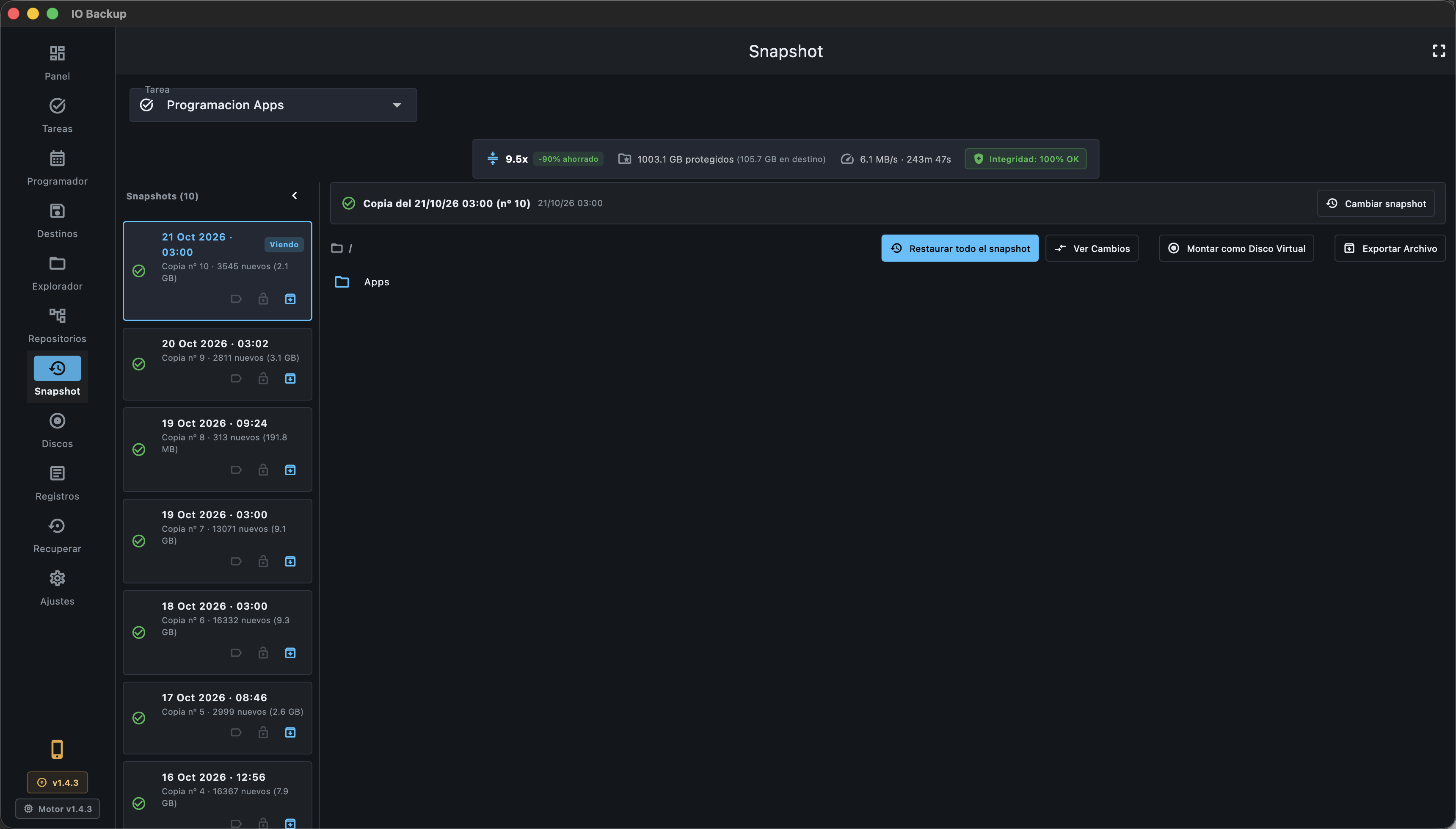
Exporting a complete snapshot
From a snapshot's detail (Tasks → history → snapshots):
- Choose Export.
- The engine dumps that entire snapshot to a folder on your machine — files exactly as they were at that moment, with their tree intact.
- The export runs as a background task with its own progress; you can keep using the app meanwhile.
Useful for taking a backup to a machine without an engine, archiving a specific state, or handing data to someone without giving them destination access.
Mounting or opening a version
On destinations that support it, a snapshot can be mounted/opened as a browsable folder: explore it like any other disk, copy what you need and unmount it. The fastest way to "see what was there" without restoring anything.
A file's version history
From the browser, any file shows all its versions: in which snapshot it changed, each one's size, and individual restore. Ideal for recovering "the document from the day before yesterday" without touching anything else.
Deleted files visible too
The browser can show files that no longer exist at the source but do in old versions — enable the deleted view to find that file you removed by accident.
All of this works the same over the remote tunnel: exporting or browsing versions on a remote engine needs no open ports (remote access).