⏰ Scheduling backups: cron, intervals and on-change
Each task carries a schedule_cron with three possible formats.
5-field cron (engine's local time)
┌ minute (0-59)
│ ┌ hour (0-23)
│ │ ┌ day of month (1-31)
│ │ │ ┌ month (1-12)
│ │ │ │ ┌ day of week (0-7, 0=Sunday)
* * * * *
0 3 *→ every day at 03:00 engine's local time./15 8-20 * 1-5→ every 15 min, from 8:00 to 20:59, Monday to Friday.- Supports
,/n, listsa,b,cand rangesa-b.
Times are local to the engine's machine and the calculation correctly skips DST gaps (if 03:00 doesn't exist that day, it moves to the next valid time).
At startup, the engine recalculates next_run_at for all tasks — nothing stays scheduled "the old way".
@every — absolute interval
@every 30m    every 30 minutes since the last run
@every 2h     every 2 hours
@every 1d     every day (s, m, h, d)
It counts from when the last pass finished, not at fixed clock times. Useful for "run if it's been X since the last backup" without tying yourself to a clock.
@onchange — on detected changes
@onchange        fires as soon as the watcher sees changes
@onchange 10m    same, but grouping over a 10-minute window
The engine watches the source with native OS watchers: as soon as something changes, the task runs. The debounce groups bursts (an npm install doesn't launch 500 backups). @onchange tasks don't appear on the scheduler calendar — their "schedule" is continuous.
In the app
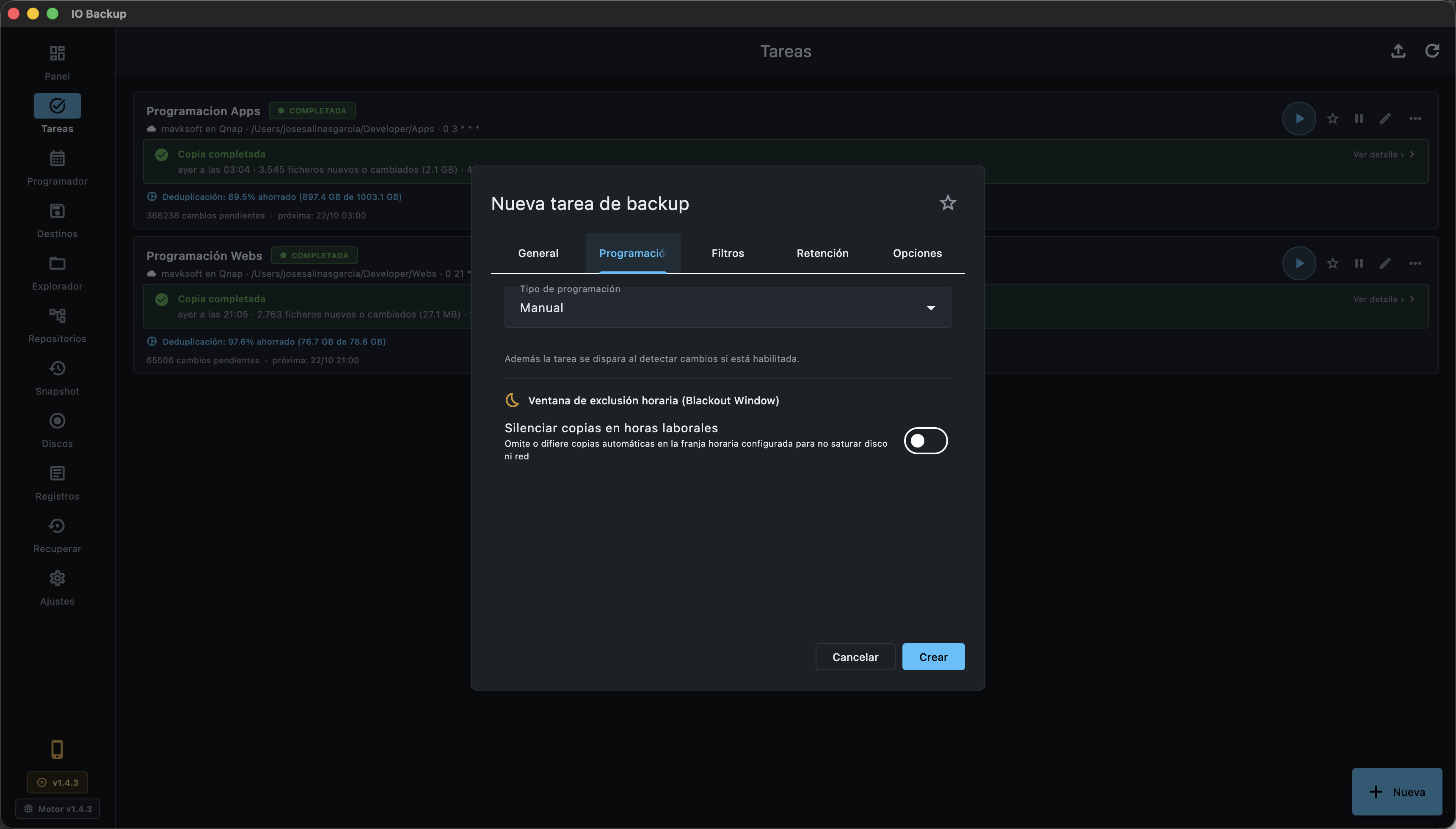
- The task wizard offers shortcuts (hourly, daily at…, weekly…) and a free field for the cron.
- The Scheduler shows a week of all real and projected runs for each engine (visual scheduler).
- A task with
enabled=falsekeeps its schedule but doesn't run.
Overlaps
If a task's time comes while it's still running, it doesn't duplicate: it waits or skips depending on whether it's busy — the engine never runs the same task twice in parallel.