🩺 Logs, resources and diagnostics
When something doesn't add up, everything you need is in Logs — including on remote engines over the tunnel.
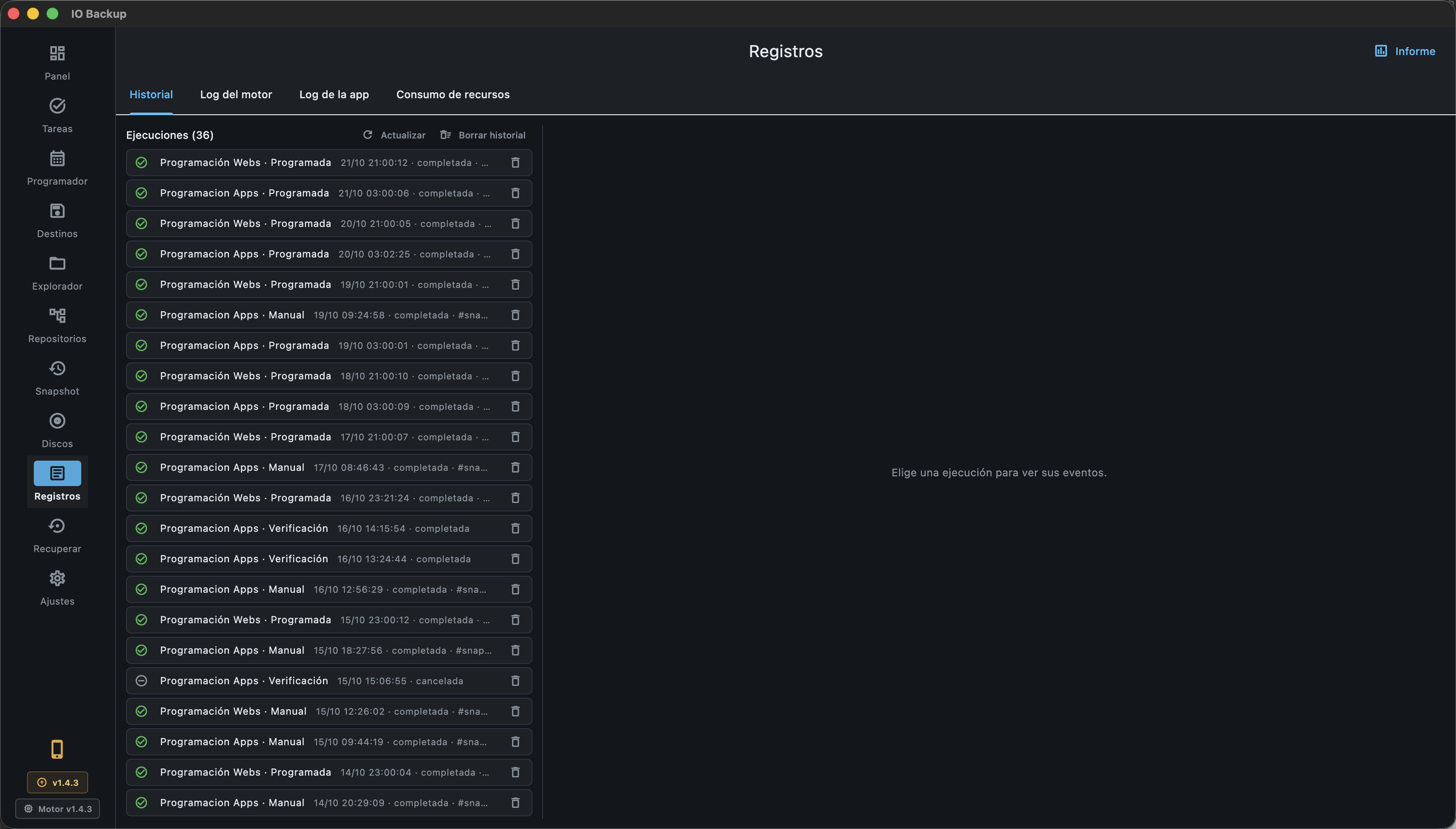
Engine log in the app
- The Logs section shows the engine's live log (
GET /system/log): runs, errors, copy phases with progress. - The log hides the PIN and the pairing code — you can capture it for support without leaking credentials.
- You can clear it (
DELETE /system/log) when it's no longer useful.
Resources
- The engine measures itself every 15 s: CPU/RAM of the engine, the app, the tray icon and the whole machine (
/system/resources,sysinfo). - Resources card in Logs: current usage and peaks since the last reset (
/reset).
Devlog (remote diagnostics)
During development/beta the engine can send the portal a health line per minute (RAM, notices, errors, backup phases) via api/devlog.php:
- It lets support see what's happening on an engine without asking you for screenshots.
- Disabled with
devlog = falsein the engine'sconfig.toml— it's opt-out. - It sends no file names or content — only metrics and status messages.
Golden rules of diagnostics
- Reproduce the problem with the minimal operation before looking at anything.
- Read the log of the specific run (each run has its line-by-line log from the Scheduler or the task).
- A source error ≠ a destination error: the first skips and retries; the second marks the pass as destination unreachable.
- On Windows, if the service doesn't respond, the app diagnoses and repairs it by itself with a UAC prompt — no console needed.