🚚 Restoring on another machine
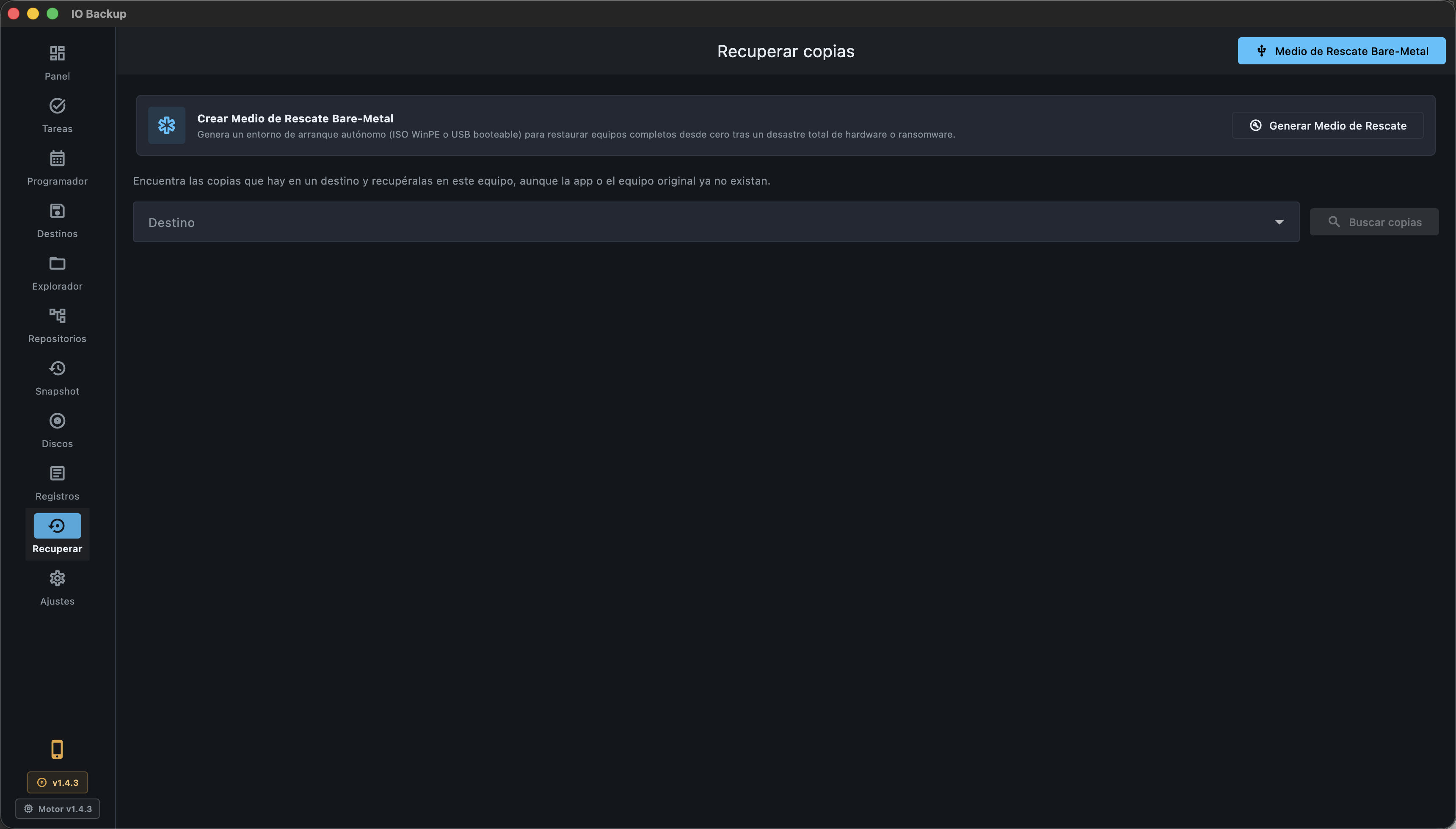
With a catalog (recent backups)
The engine leaves a catalogo/ folder on the destination with everything needed to rebuild the task on another machine:
- Install IO Backup on the new machine and add the same destination (folder, FTP or SFTP).
- Settings/Recover section → Browse destination → the engine finds the catalog's tasks.
- Adopt the task: you get back the name, the structure and all the versions. The first run compares before uploading — no duplicated data.
- You can now restore files or keep backing up as if nothing happened.
Without a catalog (old backups)
- Local/network destination: restore manually by copying from the snapshot folder (
<task>/AAAAMMDD-HHMMSS/). - Encrypted: you need the task's password — without it the data can't be read (it's designed that way).
- Block-based: use the catalog or the app — the
.iobk-bloquesmanifests aren't comfortably readable by hand.
The catalog never stores passwords, URIs or pre/post commands — only backup metadata.