🗂️ Version retention
Retention (the task's retention_json) decides how many snapshots are kept before pruning. Each backup mode uses it its own way.
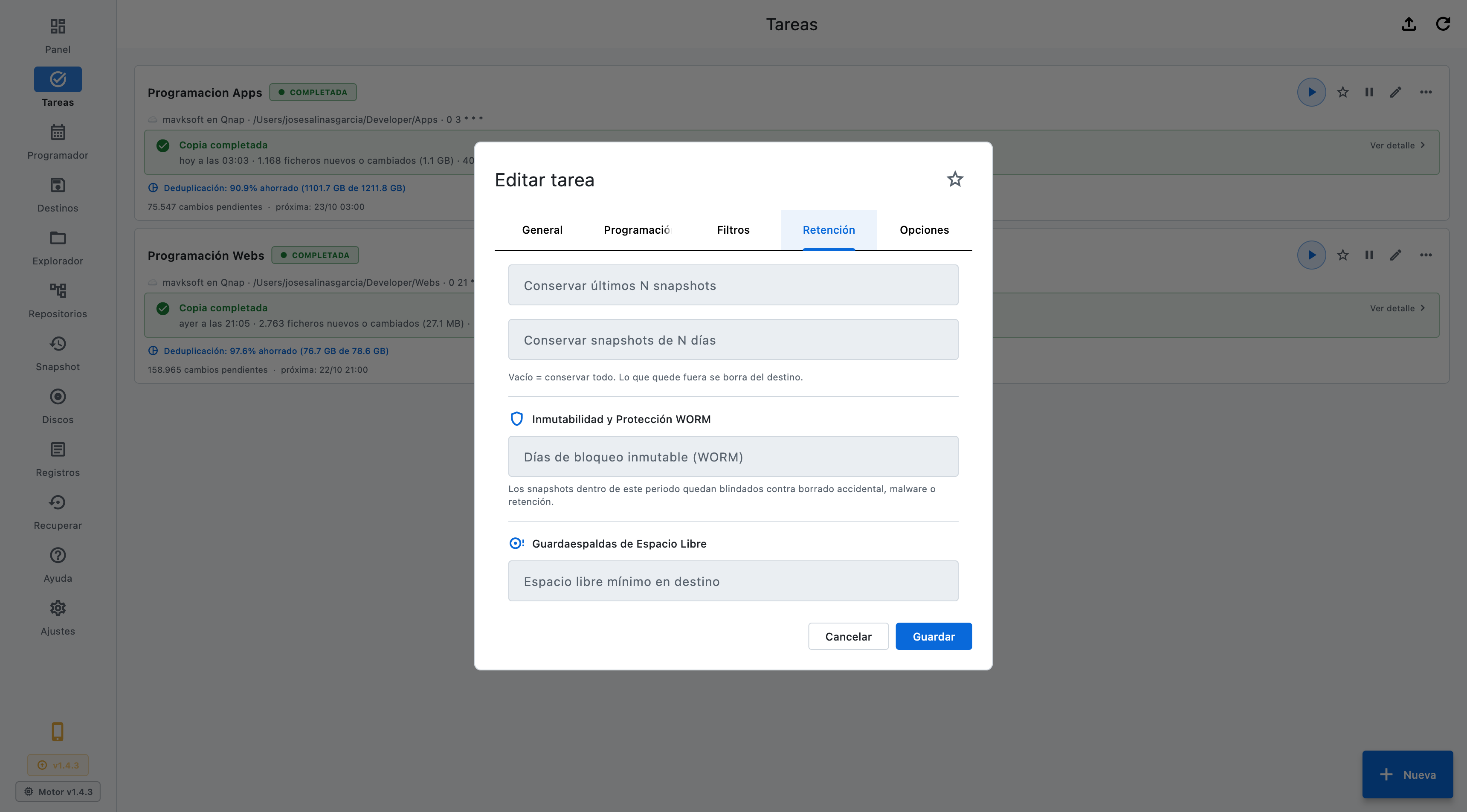
How it works
- Versioned/incremental: the last
keep_lastsnapshots are kept (or other criteria from the configured policy: by age, by count…). - Mirror: always
keep_last=1— there's no history to retain.
Why pruning is safe (even though it might not look like it)
On destinations without hard links (FTP/SFTP) a snapshot only stores what changed relative to the previous ones. If its whole folder were deleted, the incremental chain would have a hole in it. That's why:
- Retention never deletes a snapshot's tree: the base copy of files that no longer change may live there.
- Only versions no living snapshot references are removed (
unreferenced_versionsin the index). - When restoring, the engine rebuilds each file from the snapshot where it was first seen (
first_seen) — it doesn't matter which folder it physically sits in.
On destinations with hard links (local/network), deleting a snapshot does free space directly: the hard link disappears but the content survives while another snapshot links to it.
Recommendations
- Local disk: 30-90 snapshots are usually space-free thanks to hard links — build history with confidence.
- FTP/SFTP: each extra snapshot only adds its differences, but they all count toward the server's total space. 14-30 versions is a good balance.
- Pruning runs by itself after each run — never delete snapshot folders by hand on the destination: the index would stop rebuilding versions.
The CRC/mapa.bin errors you may have seen in Cobian came from stale cached state on the destination. Here the index regenerates itself if it detects inconsistent state — if a dirty-state warning ever shows up, let the engine rebuild on the next pass.