💾 Backup types: full, incremental, versioned and mirror
The backup mode decides how data is organized on the destination. They all use the hash index, so the transfer is always incremental — what changes is what's kept on the destination.
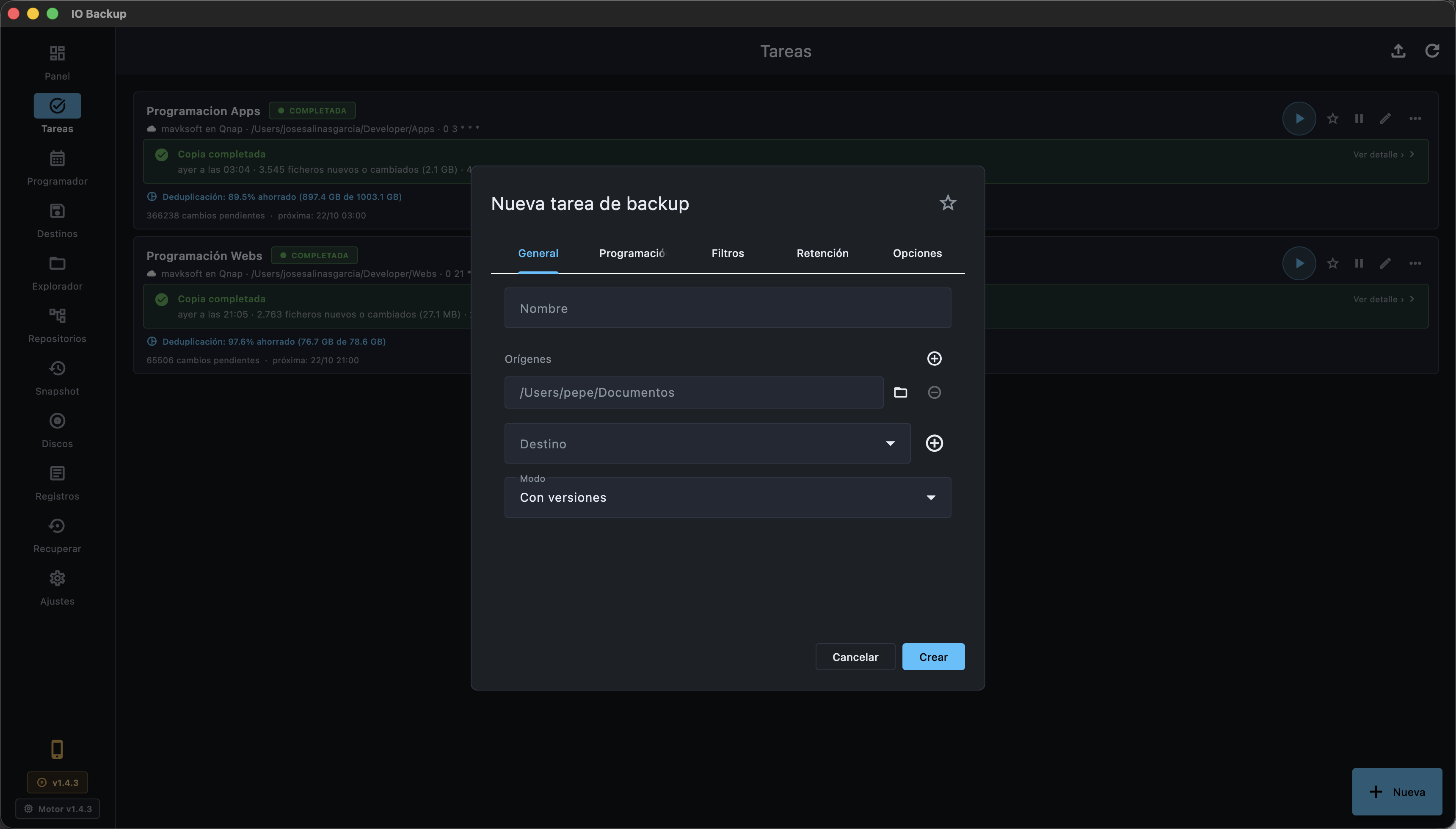
Versioned (recommended)
Each run creates a complete snapshot AAAAMMDD-HHMMSS:
- On destinations with hard links (local, network, external disk) each snapshot looks like a full copy but only takes what changed.
- On destinations without hard links (FTP/SFTP) each snapshot stores only its differences, linked to previous versions.
- The task's retention decides how many are kept (retention).
It's the default mode: you can restore any point in time.
Incremental
Like versioned but oriented toward keeping less history — same mechanics, meant for short retentions. The name reflects the intention (a continuous series of incrementals) more than a technical difference.
Mirror
The destination replicates the source 1:1, with no history:
- Automatically forces
keep_last=1: only the current state exists. - What gets deleted at the source also disappears from the destination.
- Ideal for syncing a file server or a read-only NAS.
⚠️ Mirror doesn't protect against accidental deletion or ransomware — what's lost at the source is lost at the destination on the next pass. Combine it with another versioned task if that data matters.
Full
Recreates the entire backup on every run. Simple and robust, but:
- Rewrites everything even if unchanged → more time and more traffic.
- In practice it's almost never needed: the index already makes every pass reliably incremental.
Which should I pick?
| I want… | Mode |
|---|---|
| History and the ability to go back | Versioned |
| An exact, read-only replica | Mirror |
| Maximum simplicity, small destination | Full |
After choosing the mode: filters → retention → scheduling.